
Design In The Browser
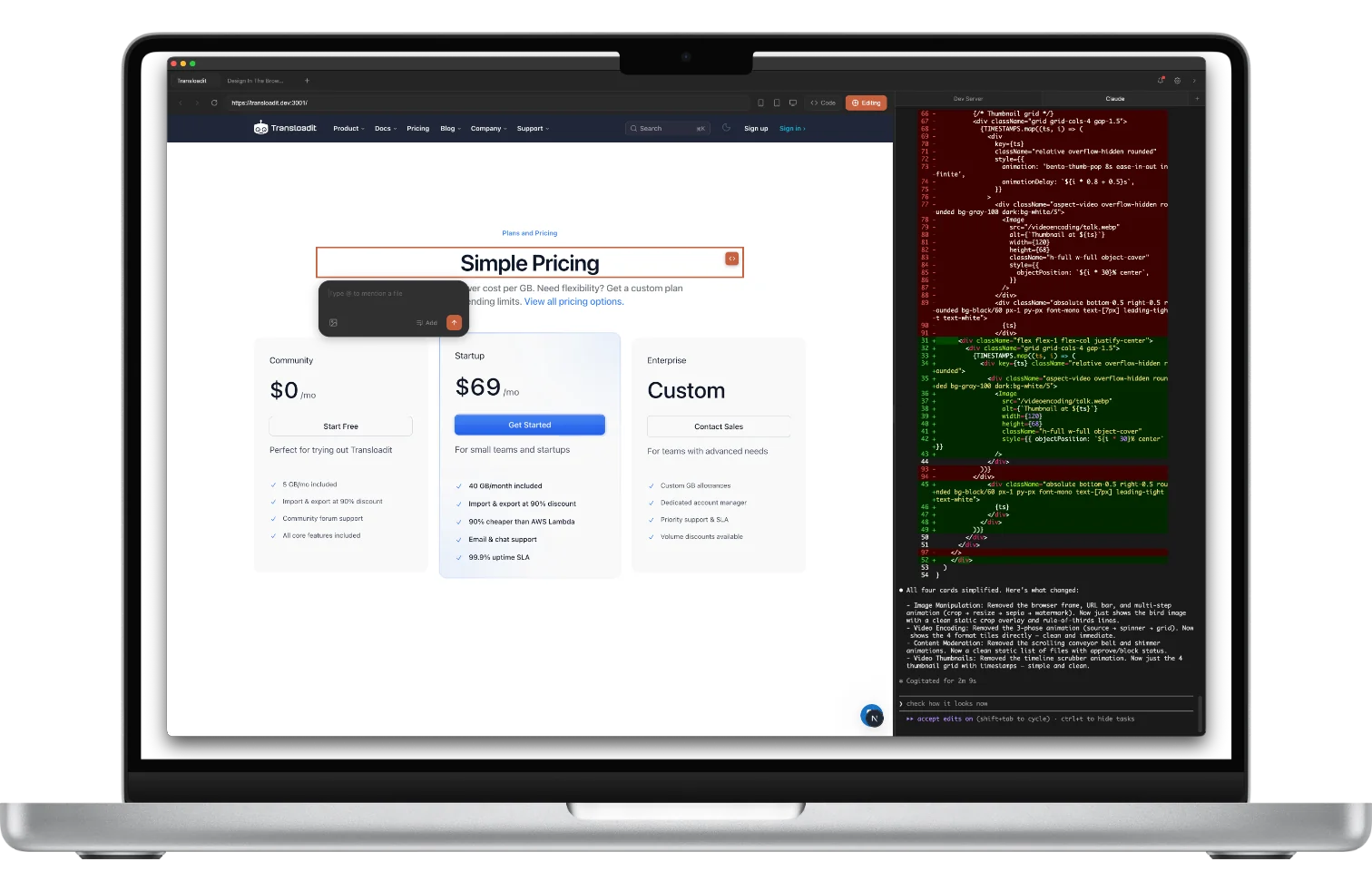
No more tab-switching, screenshot-pasting, and explaining which button you mean. Just click it.
Requires Claude Code, Cursor, Codex, or Gemini CLI
v1.5.0 | macOS 13+ / Windows 10+
“Been using this since yesterday. This is phenomenal. Thank you.”
“This tool is exceptional and super precise at what it does. It deserves way more recognition.”

Everything in one window
Point & Click. Click any element to tell AI what to change. No screenshots needed.
Area Select. Drag a box around any area to give AI the visual context it needs.
Jump to Code. Click any element and jump straight to its source code.
Multi-Edit. Select multiple elements, queue up changes, send them all at once.
Integrated Terminal. Browser and terminal in one window. No more tab-switching.
Responsive Testing. Switch between desktop, tablet, and mobile viewports instantly.
CSS Inspector. Hold ALT to inspect styles. Copy values between elements instantly.
Reference Images. Drop in a screenshot and AI matches it. Skip the words.
Design Tokens. Reference your CSS variables and Tailwind tokens directly in prompts. Stay on-brand without copy-pasting values.
Try it. It's free.
No account needed. Download and start building in minutes.